


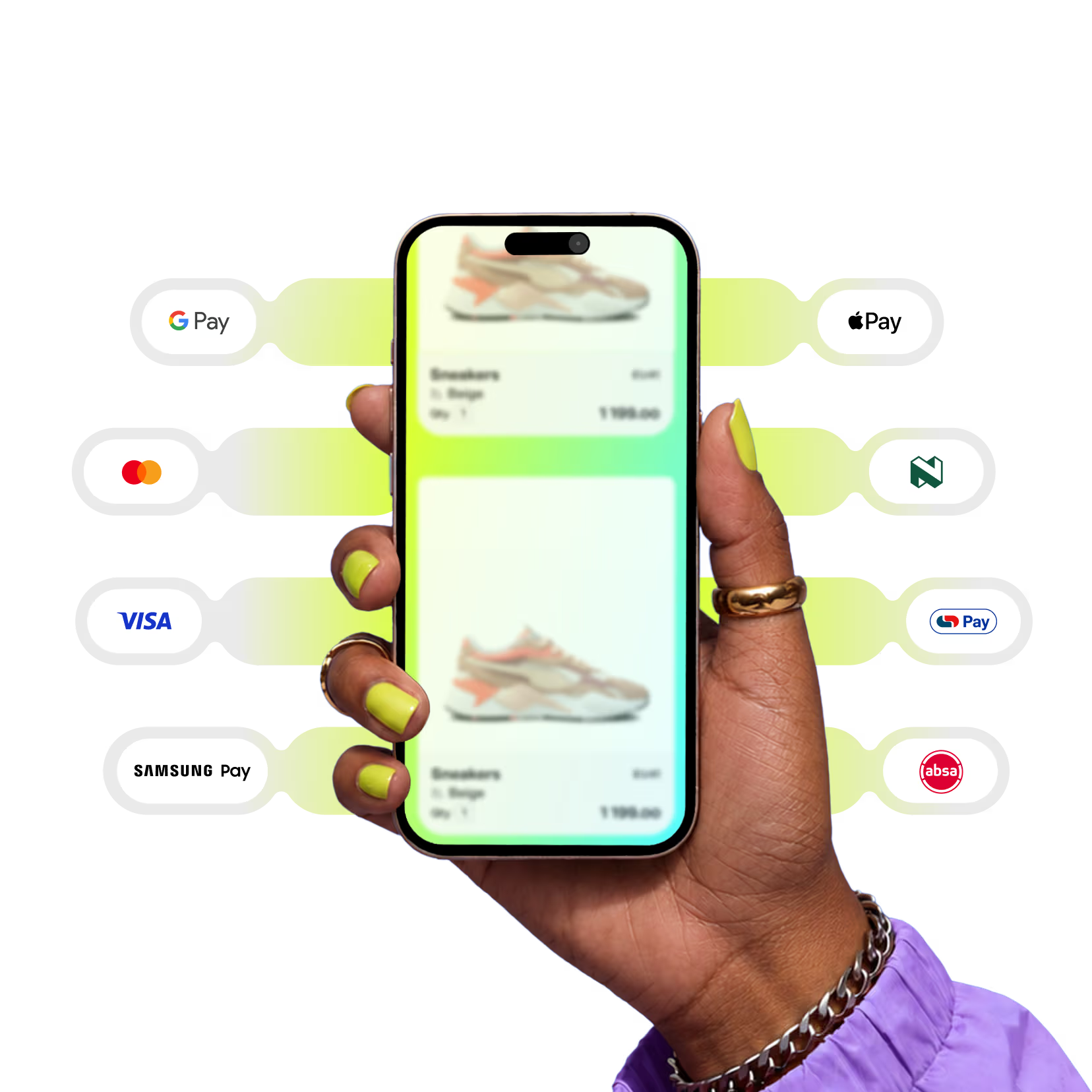
Pay your way
Pay with Stitch at thousands of South African stores—online and in-person—using card, Apple Pay, Google Pay, Samsung Pay, Pay by bank, Capitec Pay, Absa Pay, Nedbank Direct EFT, DebiCheck and Pay Later.
Link your cards to one free Stitch account to see all your card spend in one place and earn rewards every time you pay.
Sign up for freePayment methods powered by Stitch
Cards and digital wallets
Pay with the card or digital wallet you already use. Stitch supports every major option at checkout, online and in-app.
Credit and debit card
Use your Visa or Mastercard to pay at any Stitch-powered store. Save your card details to pay in one click whenever you return to the same app or site.
Apple Pay
Use Apple Pay for fast, secure one-tap checkout, online and in-store. Your card details stay private and every payment is authorised with Face ID or Touch ID.
Google Pay
Android users can check out in seconds with Google Pay. Your card details are stored securely and every transaction is protected with biometric authentication.
Samsung Pay
Samsung Pay lets you store your cards and pay with a tap at checkout. Fast, secure and built right into your Samsung device.
Pay straight from your bank
No card? No problem. Pay directly from your bank account in real time, with no card details needed.
Pay by bank
Pay straight from your bank account for a secure, real-time payment. No card needed. Save your details to pay in one click whenever you return to the same app or site.
Capitec Pay
If you bank with Capitec, you can pay securely using Capitec Pay. Just enter your mobile number or ID number and authorise the payment in your Capitec app. No banking details needed.
Absa Pay
Absa customers can pay directly from their Absa banking app. Select Absa Pay at checkout, approve the payment with a tap, and it’s done. No card details needed.
Nedbank Direct EFT
If you bank with Nedbank, you can pay at checkout directly from your account with Nedbank Direct EFT.
Recurring payments and subscriptions
DebiCheck
For subscriptions or recurring payments, use DebiCheck to maintain full control over your debit orders. You approve every mandate before it runs, so nothing leaves your account without your approval.
More ways to pay
Pay Later
Split your purchase into monthly instalments at participating stores with Stitch Pay Later. You see your full payment schedule before you commit.











Security + Privacy
Built secure
Stitch is a licensed payment provider in South Africa, and PCI DSS Level 1 certified. All your transactions are secured with advanced fraud prevention, and your data is locked up safe. Guaranteed.
FAQs
Which payment methods can I use with Stitch?
You can pay with Visa and Mastercard credit or debit cards, Apple Pay, Google Pay, Samsung Pay, Pay by bank, Capitec Pay, Absa Pay, Nedbank Direct EFT, DebiCheck and Pay Later. The methods available at checkout depend on the store.
Can I pay without a card?
Yes. With Pay by bank, Capitec Pay, Absa Pay or Nedbank Direct EFT you pay straight from your bank account, with no card details needed.
How do I add a payment method to my Stitch account?
Sign up for a free Stitch account, then link your cards to your Stitch profile. Once they’re linked, you can see all your card spend in one place and earn rewards every time you pay with Stitch.
Does it cost anything to pay with Stitch?
No. Creating a Stitch account is free, with no sign-up fees and no monthly charges.
Do I earn rewards on every payment method?
You earn rewards when you pay with Stitch at Stitch-powered stores using card, Pay by bank, Capitec Pay, Apple Pay, Google Pay, Samsung Pay, Absa Pay, Nedbank Direct EFT, DebiCheck or Pay Later.
Is paying with Stitch safe?
Yes. Stitch is a licensed payment provider in South Africa and is PCI DSS Level 1 certified. Every transaction is protected with advanced fraud prevention and your data is kept secure.
Make life happen
with payments on your terms