



You add something to your cart, get to check out, and see five different ways to pay: Card, Pay by bank, Capitec Pay, Apple Pay, BNPL, and likely a few more. Most people pick whichever option they recognise first and move on, but each method works differently. Knowing what they actually do can help you make a faster, safer, more informed choice every time you pay online. Here is a straightforward guide to the options you are most likely to see at South African checkouts.
Card payments
Paying by debit or credit card is still the most familiar option for most South Africans, and for good reason. You enter your card number, expiry date and CVV, verify via your bank’s OTP or 3D Secure prompt, and the payment goes through.
Card payments are processed through global card networks like Visa and Mastercard, and are accepted almost everywhere online. One thing worth knowing: when you pay by debit card online, your money leaves your account immediately. With a credit card, you are borrowing from your credit limit and paying the card company back later, which means you may have additional purchase protection depending on your card provider.
Pay by bank
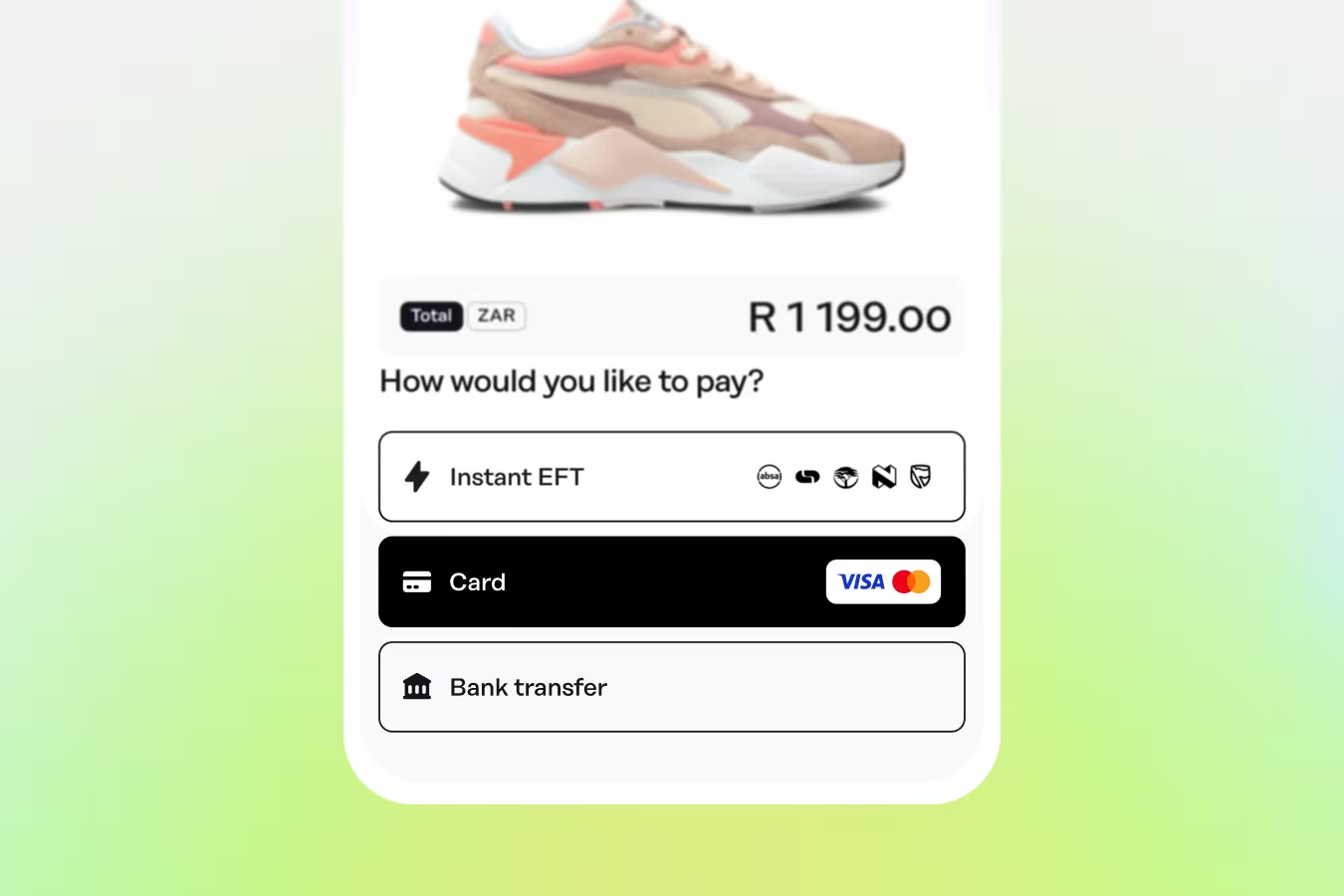
Pay by bank lets you pay directly from your bank account, without entering any card details. You select your bank at checkout, log in securely using your banking details, and approve the payment, typically through your banking app or an OTP.
The key difference from a traditional EFT is speed and confirmation. Unlike traditional EFTs that can take one to three business days to clear, Pay by bank payments happen in seconds. Your order gets processed immediately, and you don’t need any card details.
This is a good option if you would rather not use a card for online purchases, or if you prefer the payment to come straight from your bank account.
Capitec Pay
Capitec Pay is built specifically for Capitec customers. Instead of entering card details or logging into internet banking, you enter your phone number, ID number or Capitec account number at checkout, then approve the payment directly in the Capitec app via a push notification.
This removes the need to enter card details or navigate internet banking. You confirm in your app and the payment is done.
Apple Pay, Google Pay and Samsung Pay
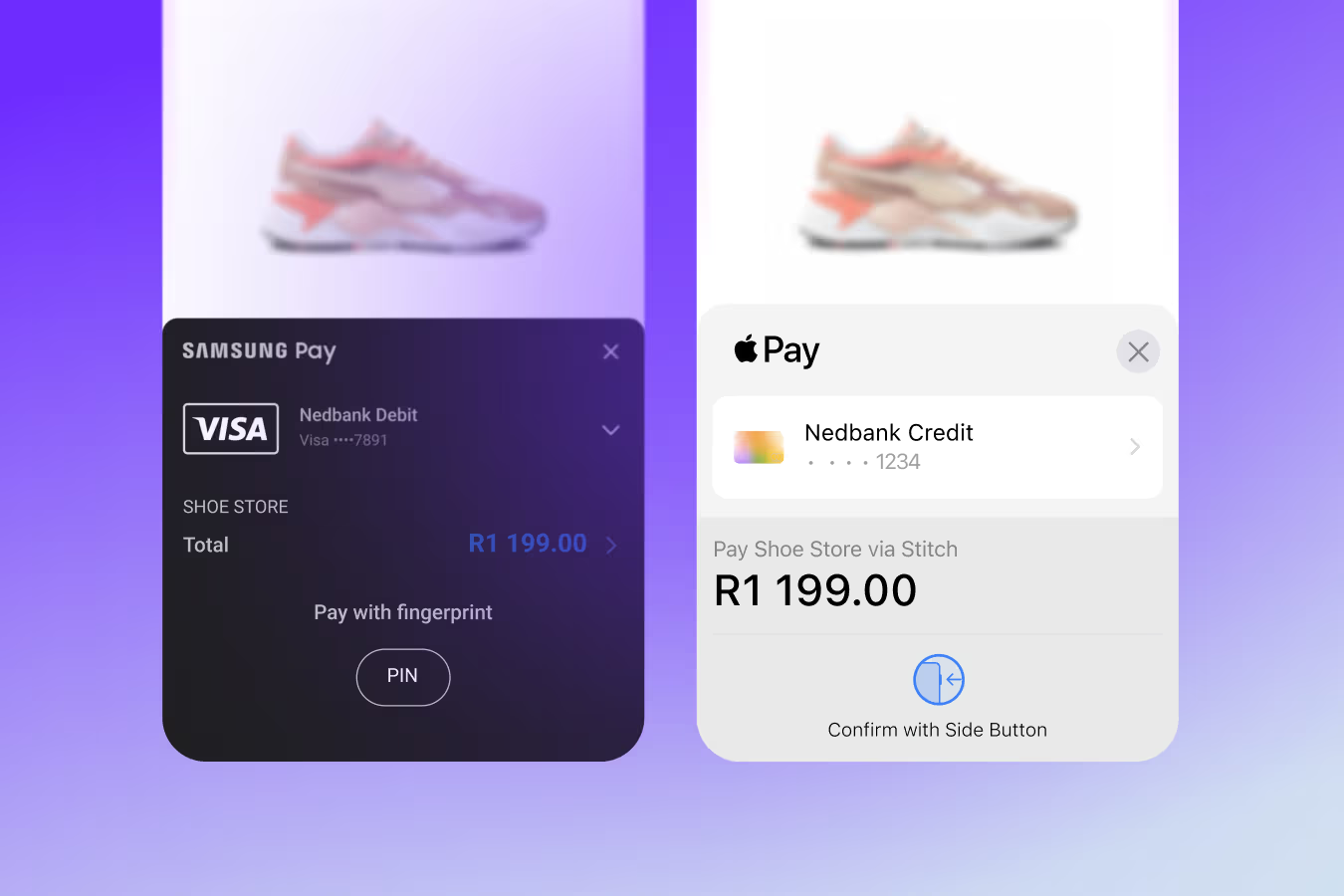
These options let you pay using a card or account you have already saved to your phone or computer. With Apple Pay, Google Pay or Samsung Pay, you approve with your fingerprint, face ID or PIN, and the payment goes through in one tap.
Your actual card number is never shared with the store or brand you’re paying: a unique digital token is used for each payment, which makes this one of the most secure ways to pay online or in person.
These one-click methods are growing more quickly than most other payment methods have before, and it is easy to see why. Once set up, they are the fastest checkout experience available.
Buy now, pay later (BNPL)
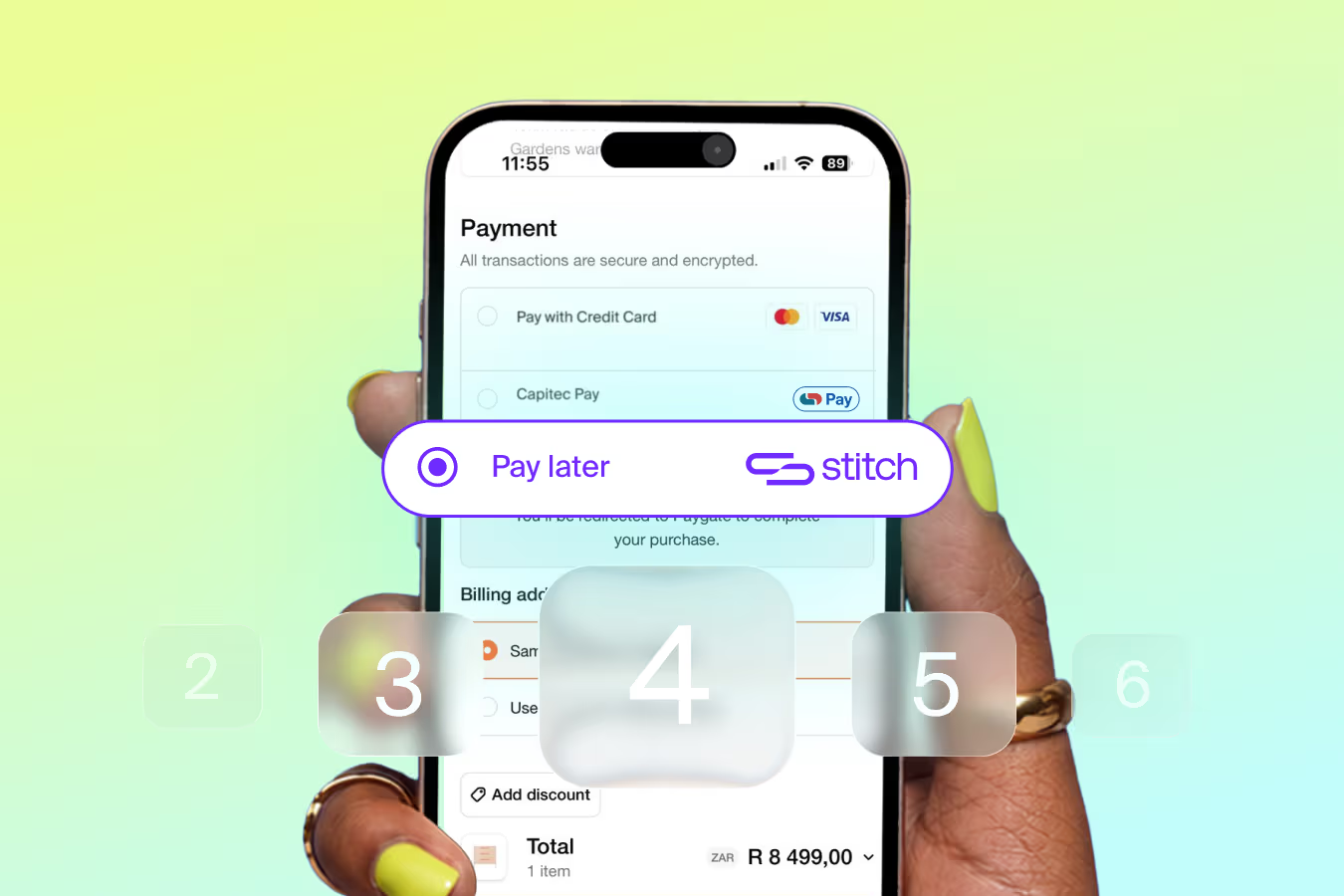
Products like Stitch Pay Later’s Split lets you split the cost of a purchase into monthly instalments. You pay the first portion at checkout and the rest automatically over the following months.
This gives you flexibility over timing. If something costs R1,200 and spreading it over four months works better for your budget than paying it all at once, BNPL gives you that option.
Before each approval, an affordability check is run to make sure the repayments are manageable. It’s also worth noting that there might be added interest on some Pay Later payments, so it’s important to check you’re comfortable paying that before using the product.
Which option should you use?
The best option depends on what matters most to you at the time.
If security and speed are the priority, a method like Apple Pay or Google Pay is hard to beat. Capitec customers will find Capitec Pay offers a very similar experience within the Capitec ecosystem. If you prefer paying directly from your bank without sharing card details, Pay by bank is a solid choice. And if spreading a cost makes more sense for your budget right now, Pay Later gives you that flexibility with no interest or fees attached.
According to the Stitch 2025 Consumer Payments Report, more than 56% of South African consumers say a fast, easy payment process would convince them to choose one online store over another offering similar products at a similar price. The option you choose at checkout affects your experience, which is exactly why it is worth knowing what each one does.
All of these methods are available through Stitch at checkout across thousands of South African stores. Even better? With a free Stitch account, you earn rewards every time you pay with Stitch. Browse the full list of payment methods Stitch supports.